The side panel, on the right of the webmail, brings together Calendar, Tasks, Contacts and Notes (Alt+1 to Alt+4). It stays open from one page to the next; on a phone, it opens as a drawer from the bottom.
Nudges
At the top of the Primary tab, Voaaro suggests:
- Reply?: a message from someone you know, received 3 to 30 days ago, still unanswered, that asks a question or is marked important;
- Follow up?: one of your sent messages, 4 to 30 days ago, to 1 to 5 people, still unanswered and that asked a question.
Newsletters and bots are never suggested. The "i" explains the suggestion, the cross dismisses it. To be sure to follow up, use Send and remind me to follow up when sending (no reply within 1, 3 or 7 days): see Compose. Both suggestions can be turned off in Settings › General › Nudges.
Tasks
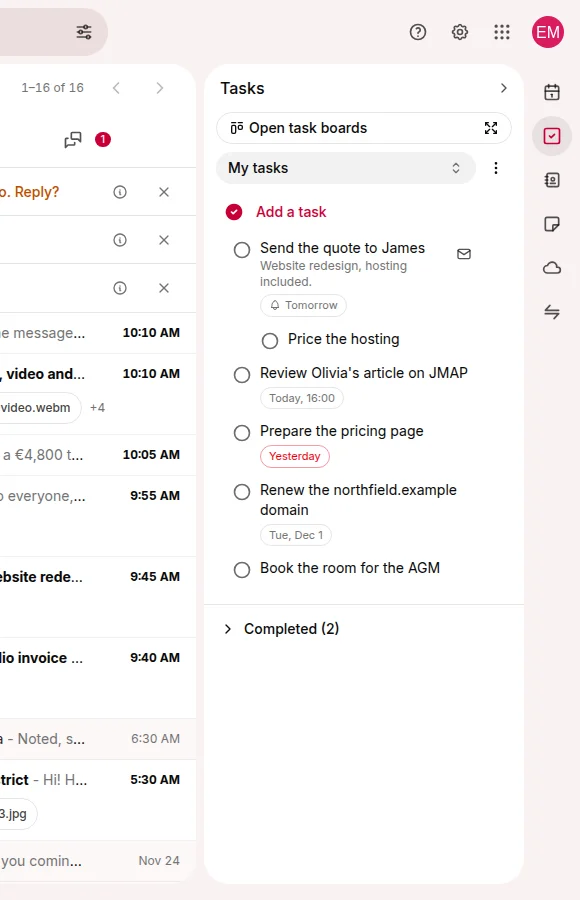
- Add a task: a title, then if needed notes, a date (and a time), a reminder and subtasks (one level).
- From a conversation: Add to Tasks (or
Shift+t) creates a task with the message subject and a link back to it. - Tick a task to complete it (its subtasks too); completed tasks collapse at the bottom and can be deleted all at once.
- Multiple lists: the menu at the top of the panel creates, renames or deletes a list; drag a task to change its order.
- A dated task appears in the calendar; its reminder arrives as a notification.
Tasks are stored in your calendar (iCalendar format): they sync with iPhone Reminders, Thunderbird or any CalDAV app.
Notes
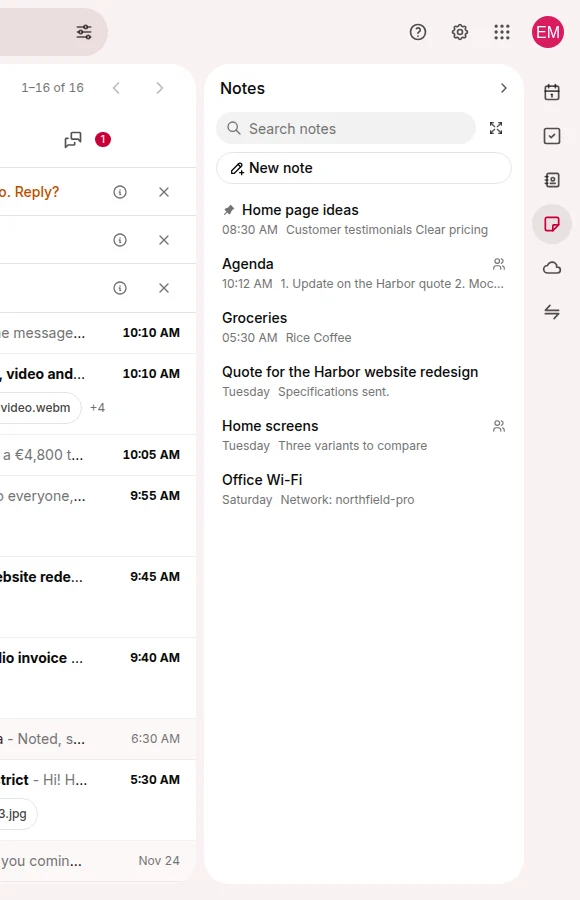
- Take a note: a text or a checklist, a colour, pinned at the top if you like.
- From a conversation: More menu › Create a note from this message takes the subject and text of the last message, with a link to the conversation.
- Search covers the title, the text and the items; an archived note leaves the list without being deleted.
Notes stay in Voaaro (they don't sync with a phone); they are part of the export of your data.